Learn / Keyboard and typing speed
You bought a better keyboard. Do you type better on it?
Maybe. A different keyboard can change your measured WPM, accuracy, corrections, and rhythm. It can also feel strange while your fingers adapt. PeakTock helps you compare repeated typing by physical keyboard, so the answer can come from your data instead of the group chat.
Your keyboard upgrade
- New keyboardDone
- New switchesDone
- New keycapsDone
- Lubed stabilizersDone
- Matching cableObviously
Congratulations on your new keyboard. Again.
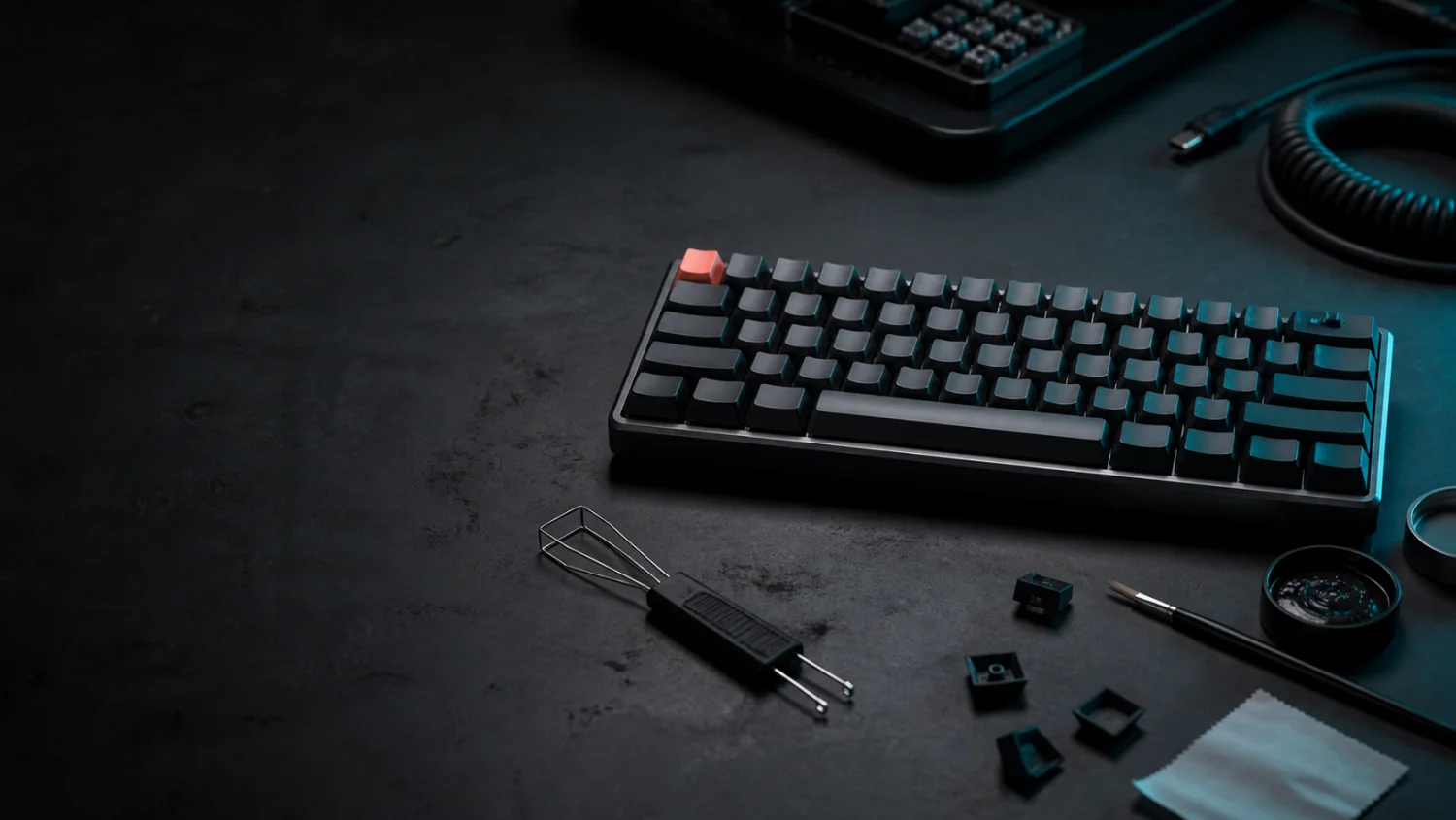
You bought it because it looked better, sounded better, or promised a more satisfying relationship between your fingers and a spreadsheet. Then you changed the keycaps. Then the switches. Then you lubricated small plastic parts with the care normally reserved for a vintage mechanical watch.
The result may be excellent. But most keyboard comparisons stop at sound, feel, and one typing test performed six minutes after opening the box. Your fingers did not read the product page. They need time and evidence.
What changes when the keyboard changes?
A keyboard can change several parts of the typing task at once. That does not mean one feature will improve performance for every person. It means the comparison needs to account for more than the switch colour and the strength of your purchase justification.
- ↕Key travelHow far a key moves before and after actuation.
- GFSwitch forceHow much force the switch needs and how it responds.
- MMKey spacingThe distance and shape your fingers must learn.
- °Height and angleThe position of the board relative to your hands.
- ?FamiliarityThe inconvenient variable that arrives free with every keyboard.
Researchers have compared keyboard designs using measures such as typing performance, force, muscle activity, wrist posture, and comfort. Those studies show that keyboard characteristics are valid variables to test. They do not prove that a specific keyboard will improve your WPM.
One fast Tuesday is not a long-term result
Change the passage, timer, keyboard, layout, correction rules, or amount of coffee and you have changed the measurement. A fair comparison keeps as many of those conditions steady as practical. It also gives the new keyboard time to stop feeling new.
- 01 Set the baseline
Use your current keyboard during normal work. Record its WPM, accuracy, and corrections.
- 02 Let your fingers move in
Use the new keyboard for more than one session. Day one mostly measures surprise.
- 03 Collect enough typing
Reach at least 1,000 attributed keystrokes on each device before reading the device card.
- 04 Compare like with like
Use similar date windows and work. Check accuracy with speed, not after it.
The 1,000-keystroke step is the evidence threshold used by PeakTock's Input Devices card before it shows WPM and accuracy for a device. It is a display gate, not proof that every comparison becomes conclusive at exactly key number 1,000.
PeakTock gives each keyboard its own receipts
PeakTock for Mac attributes new typing to a physical keyboard when the device evidence is clear. You can filter Overview and Trends by that keyboard. The Input Devices card can then show how much you used each device, plus its WPM and accuracy after enough attributed keystrokes.


PeakTock product preview with example dashboard values. The keyboard control filters supported views by physical device.
The default All keyboards view still includes historical and unattributed typing. PeakTock does not guess which keyboard produced old records. Device comparisons start with new typing that the app can attribute safely.
The PeakTock web test is useful for controlled attempts on the same passage and timer. It cannot reliably identify the physical keyboard. Use PeakTock for Mac when the question is how separate keyboards perform across normal work.
The Raycast Keyboard looks fast. That is not a unit.
A useful worked example
Raycast describes The Raycast Keyboard as a low-profile mechanical keyboard designed by Raycast and engineered by NuPhy. NuPhy calls its product the Air75 V3 Raycast Edition.
It has custom shortcut keycaps, low-profile switches, and enough visual confidence to make an ordinary keyboard look like office equipment. Does it improve your WPM or accuracy? We do not know. More importantly, we do not know whether it improves yours.
UNVERIFIED: We have not confirmed physical-device attribution with this exact keyboard. Before you compare results, check that PeakTock lists it separately from your built-in keyboard. If it does not, do not treat the data as a device comparison.
- 01Keep an old-keyboard baselineCollect enough normal typing on your current keyboard before changing devices.
- 02Confirm separate devicesConnect the Raycast Keyboard and check whether PeakTock lists it separately from the built-in keyboard. Continue only if it does.
- 03Use it for real workLet the novelty settle. Keep typing until each device has enough evidence for a comparison.
- 04Read more than WPMCompare accuracy and corrections with speed. Keep enjoying the sound. The test is not allowed to take that away.
Your keyboard won. Or it did not.
A higher number is not always a cleaner result. Use this decoder before you nominate the newest keyboard for sainthood.
What this comparison cannot prove
A personal comparison can show that your measured results differ between devices. It cannot prove that one keyboard design is universally better, explain a medical or ergonomic cause, or remove every difference between the work you completed on each day.
Treat the result as evidence about your typing under the measured conditions. If discomfort or pain is part of the decision, use appropriate professional advice instead of a WPM chart.
Common keyboard questions
Does a mechanical keyboard make you type faster?
Not automatically. A different keyboard can change the conditions around your typing, but speed and accuracy also depend on familiarity, layout, text, correction behaviour, and the task. Compare repeated results instead of treating one fast test as proof.
How much typing should I collect before I compare keyboards?
PeakTock's Input Devices card waits for at least 1,000 attributed keystrokes before it shows WPM and accuracy for a keyboard. Spread the typing across more than one session so the result is not only a first-use reaction.
Can the PeakTock web test identify my physical keyboard?
No. A browser can run a controlled typing test and use a selected keyboard layout, but it cannot reliably identify the physical keyboard. PeakTock for Mac provides physical-keyboard attribution for new typing data.
Can PeakTock compare the Raycast Keyboard with my MacBook keyboard?
PeakTock for Mac can separate new attributed typing by physical keyboard and filter Overview and Trends by that keyboard. Exact Raycast Keyboard attribution is unverified. First confirm that both devices appear separately. Only then compare similar date windows after each has enough data.
Stop benchmarking your keyboard with vibes
Enjoyment does not need a spreadsheet. But if you want to know whether the new board changed your typing, PeakTock can help you measure it.
Evidence and limits
Kia et al. compared conventional and ultra-low-travel keyboards using typing performance, typing force, muscle activity, wrist posture, and reported comfort: Applied Ergonomics (2019). This was not a study of the Raycast Keyboard or PeakTock and does not predict an individual's result.
Product descriptions come from the official Raycast and NuPhy pages linked above. PeakTock makes no claim that the Raycast Keyboard increases typing speed or accuracy.